Re: Specify Custom font in a table
Posted by mojavelinux on
URL: https://discuss.asciidoctor.org/Specify-Custom-font-in-a-table-tp8306p8309.html
--
URL: https://discuss.asciidoctor.org/Specify-Custom-font-in-a-table-tp8306p8309.html
You can use an inline role to apply a different font to a character, word, or phrase.
Best Regards,
-Dan
On Wed, Oct 28, 2020 at 10:56 AM pwillard [via Asciidoctor :: Discussion] <[hidden email]> wrote:
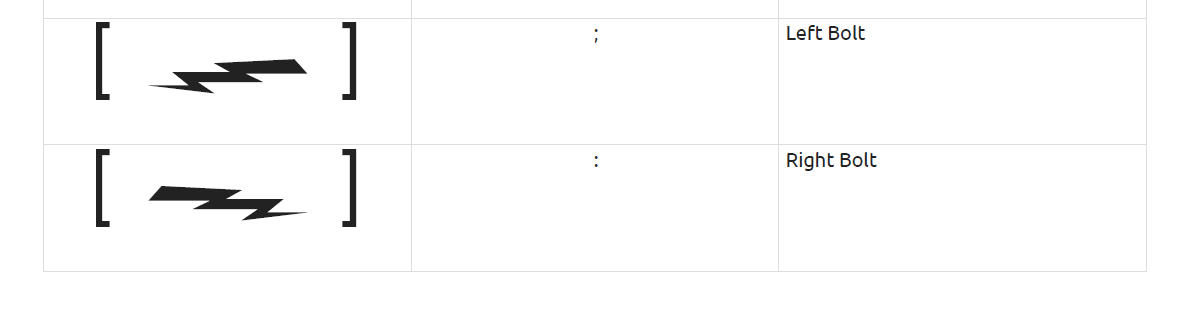
The only way I have been able to specify a custom font in a table is by using the BUTTON entry in the theme yaml file and giving it an alternate font assignment. But I end up with unwanted brackets. Is there a better way to temporarily change the font inline?
I don't want the brackets that the BTN includes but I'm having trouble figuring out a better way
If you reply to this email, your message will be added to the discussion below:https://discuss.asciidoctor.org/Specify-Custom-font-in-a-table-tp8306.htmlTo start a new topic under Asciidoctor :: Discussion, email [hidden email]
To unsubscribe from Asciidoctor :: Discussion, click here.
NAML
--
Dan Allen (he, him, his) | @mojavelinux | https://twitter.com/mojavelinux
| Free forum by Nabble | Edit this page |