Re: PDF - Chapter indent
Posted by mojavelinux on
URL: https://discuss.asciidoctor.org/PDF-Chapter-indent-tp8077p8078.html
--
URL: https://discuss.asciidoctor.org/PDF-Chapter-indent-tp8077p8078.html
Indenting a specific section level is not supported.
You can only indent the contents of a section using section_indent, which excludes section titles and discrete headings.
-Dan
On Mon, Jun 22, 2020 at 2:13 AM ggenier [via Asciidoctor :: Discussion] <[hidden email]> wrote:
Hello,
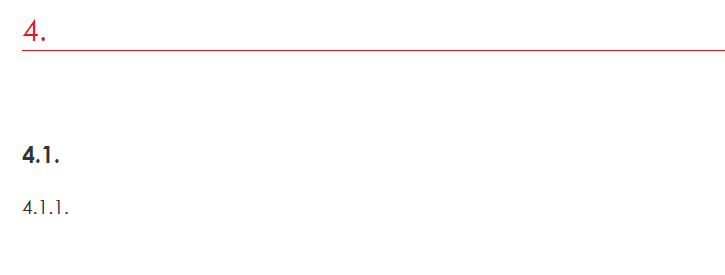
I try to indent my chapter
For now, I have this result :
And i want this result :
I have this yml file :
#3
heading_h2:
font-family: Century Gothic
font-size: 16
font-style: normal
border-color: CEC9C9
border-width: 0.20
line-height: 3
text-decoration-color: #e51519
levels: 2
#3.1
heading_h3:
font_family: Century Gothic
font_size: 12
font_style: bold
levels: 3
#3.1.1
heading_h4:
font_family: Century Gothic
font_size: 12
indent: $horizontal_rhythm * 1.5
levels: 4
I try a lot of thigs but this chapter does not want to move :)
If you reply to this email, your message will be added to the discussion below:https://discuss.asciidoctor.org/PDF-Chapter-indent-tp8077.htmlTo start a new topic under Asciidoctor :: Discussion, email [hidden email]
To unsubscribe from Asciidoctor :: Discussion, click here.
NAML

--
Dan Allen (he, him, his) | @mojavelinux | https://twitter.com/mojavelinux
| Free forum by Nabble | Edit this page |